
Google Photos
Google Photos is Google's photo storage service and gallery app. This page covers Android version 7.94.0.984908898.
220.7 MB

3.7.1433.202524444 · Remini · Page updated
Remini is an AI photo enhancer for Android that sharpens blurry pictures, restores old photos and improves faces in portraits.
Average 0.0 · ratings: 0
Thank you! Your rating is saved; you can change it. Could not save the rating. Please try again later. Too many ratings from your network today. Please try again tomorrow. The average appears after 5 ratings.
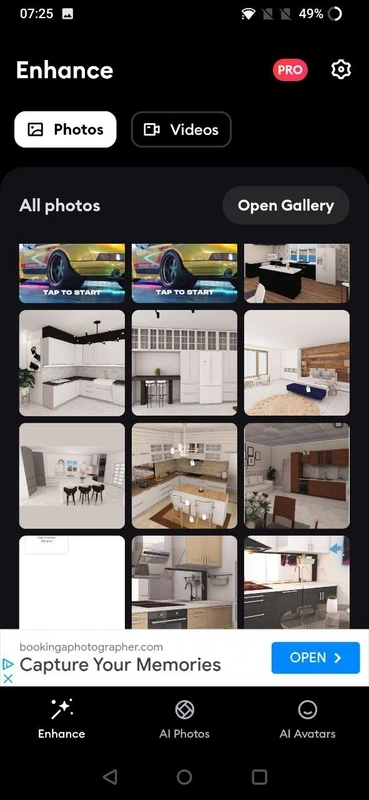
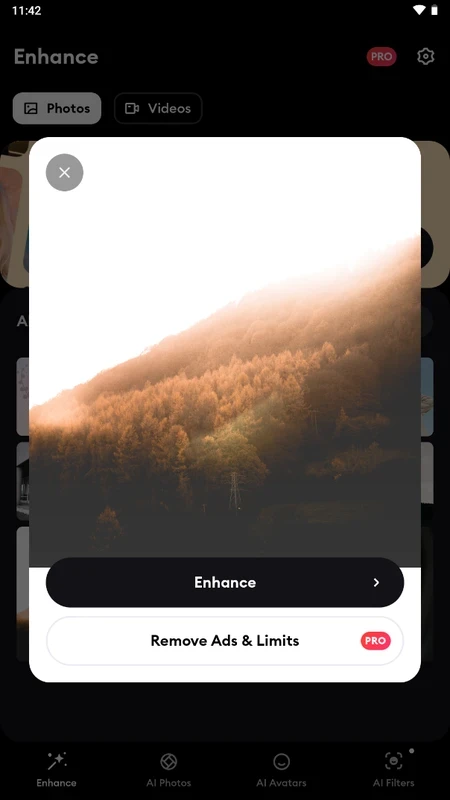
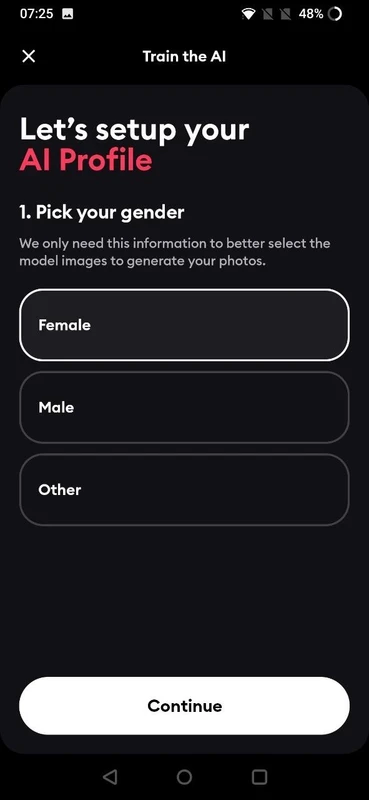
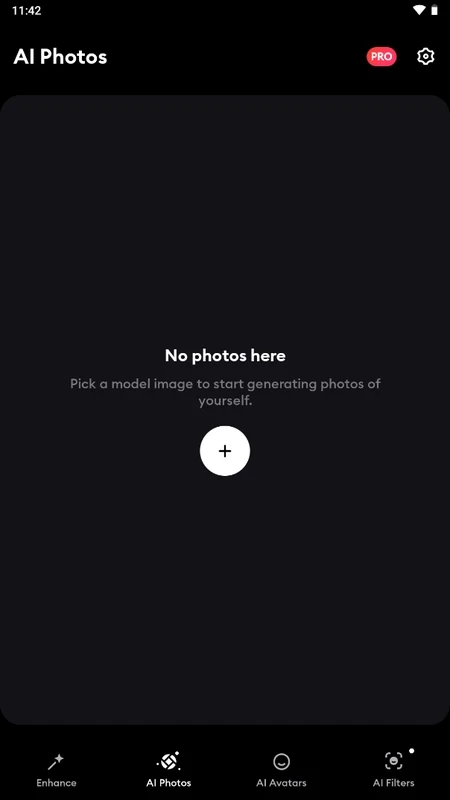
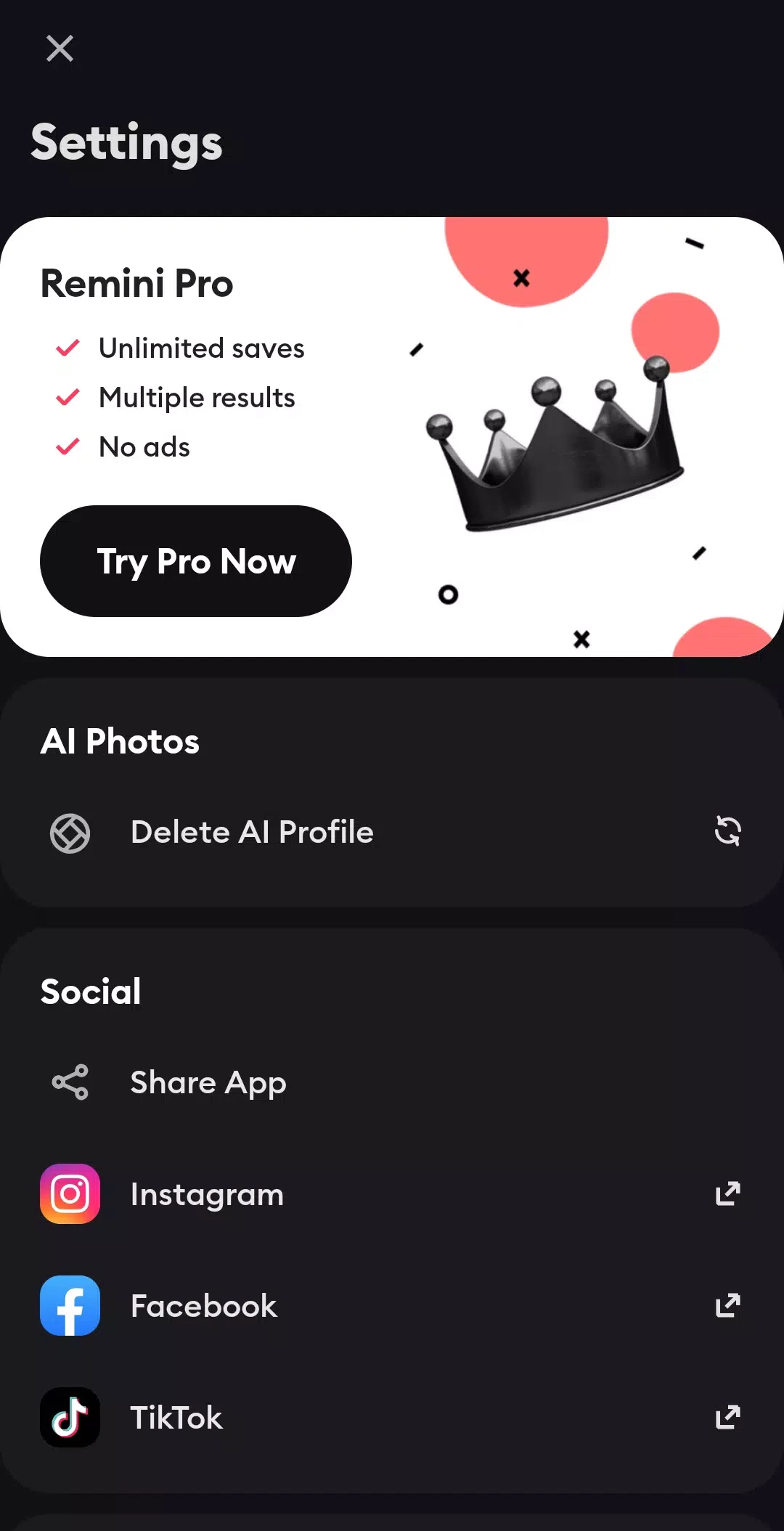
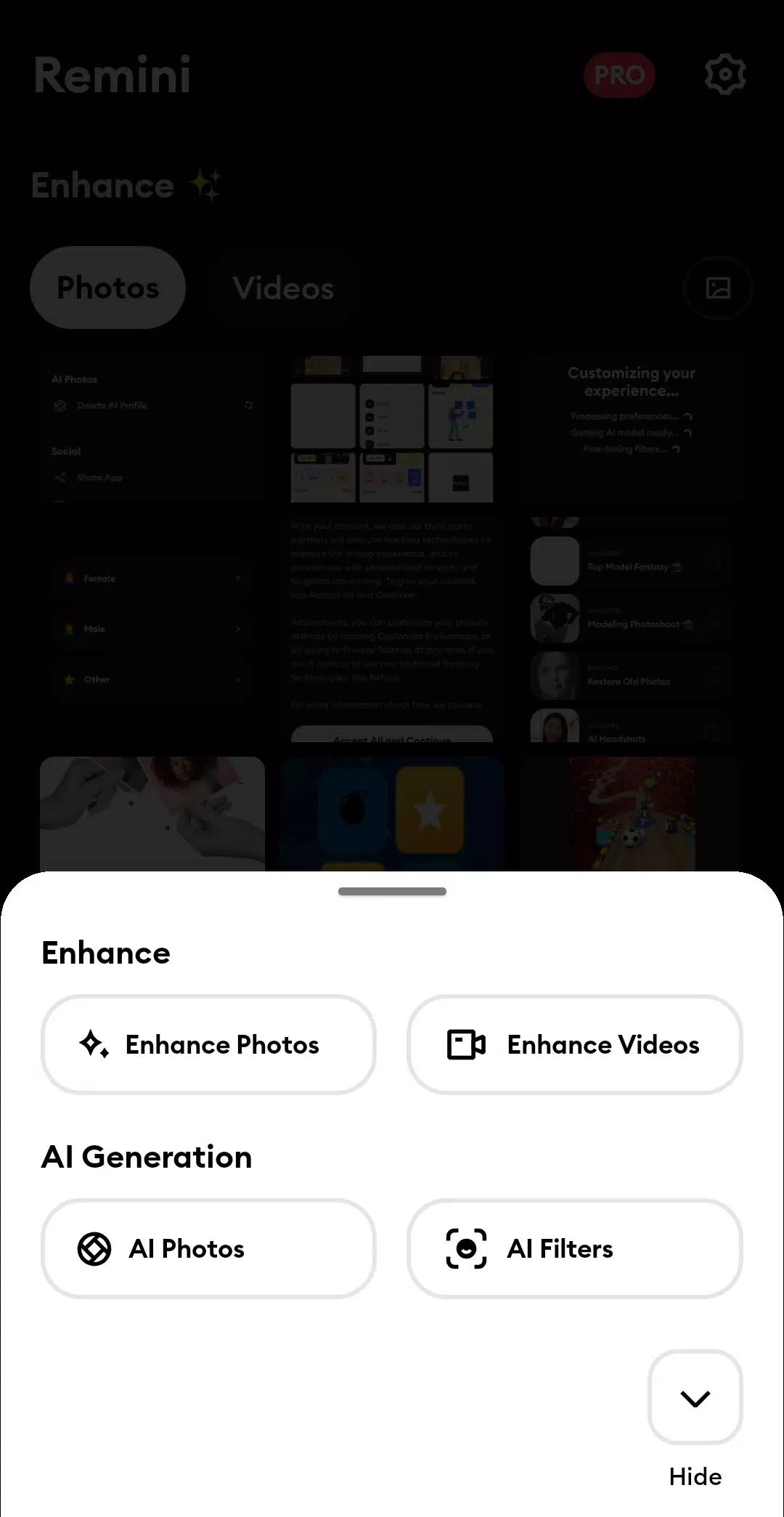
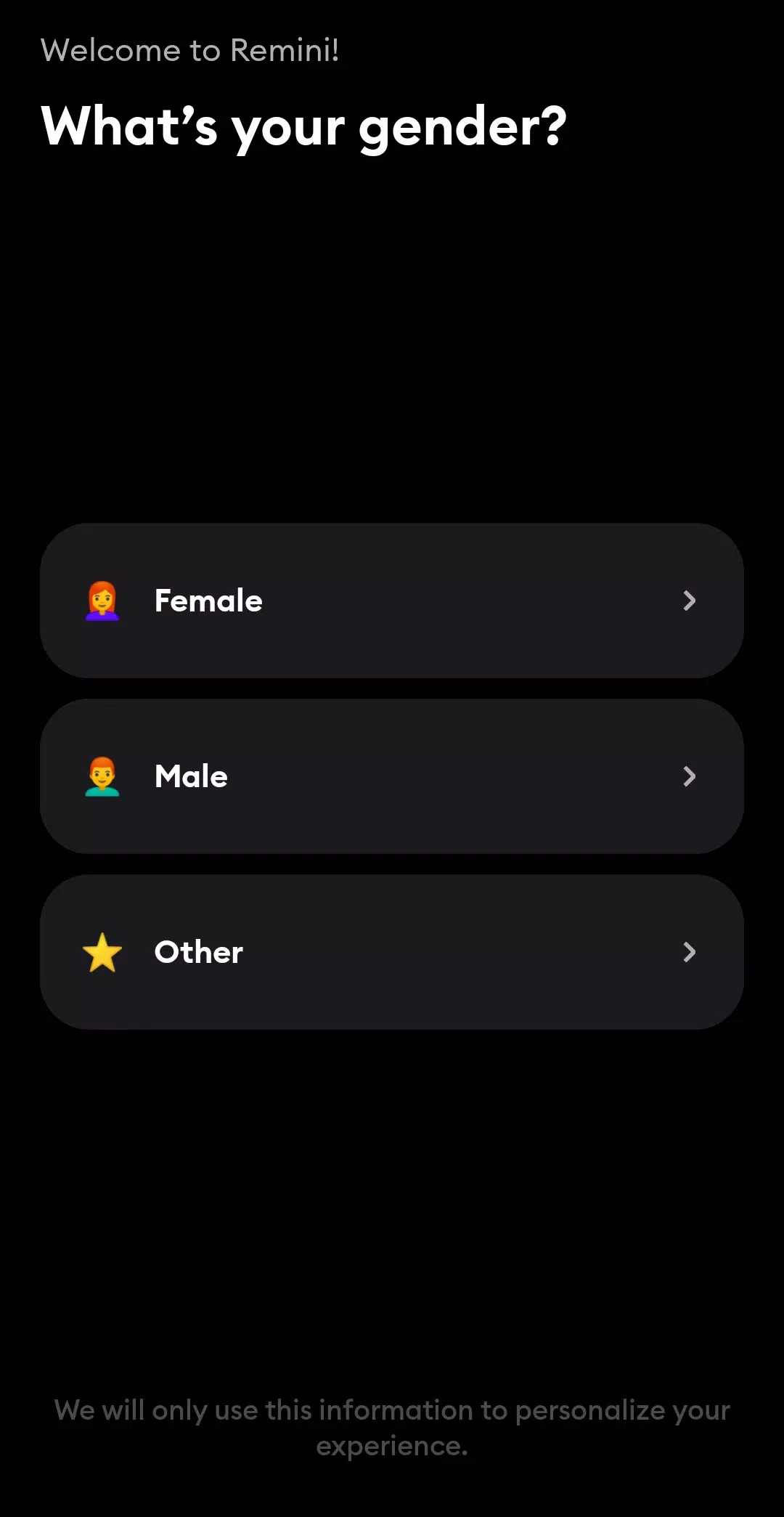
Remini 3.7.1433.202524444 is an AI photo enhancement app for Android. You download Remini when you have a blurry, low-resolution or old photo, especially a portrait, and want to make it sharper without manual editing.
Classic sharpening filters only increase contrast along edges, which often makes a blurry picture look noisy rather than clear. Remini uses AI models trained on large collections of images to reconstruct detail. You pick a photo, the app uploads it to its servers, and a few moments later you get an enhanced version with clearer eyes, hair and skin texture, reduced noise and higher resolution. You can compare before and after with a slider and save the result. The app is especially known for restoring scanned old family photos and for fixing faces in group shots taken with weak phone cameras. Beyond enhancement, it offers features like colourising black-and-white pictures, improving video frames and creating AI-generated portraits and avatars from a set of your selfies. Results are impressive on faces but can look artificial: the AI may invent details that were not in the original, so an enhanced photo is an interpretation, not a recovered original.
Photographers who need precise control over every adjustment will be happier with a full editor. Anyone who does not want to upload personal photos to a cloud service should skip it, because processing happens online.
The app is about 174.13 MB according to catalogue data.
Remini has a free mode with limits and ads, and a paid subscription that removes ads and unlocks more enhancements and features. Watch for free trials that turn into paid plans, and cancel in Google Play if you do not want to continue.
Your photos are processed on the service's servers. Read the privacy policy, avoid uploading documents or pictures of people who have not agreed, and download only from Google Play: modded "premium" versions are a common source of malware.
Other photo apps on our site include Google Photos, Adobe Photo Lightroom, Hypic – Photo Editor AI Art, PixelLab and Canva, as well as Background Eraser for cut-outs.
Google Photos is Google's photo storage service and gallery app. This page covers Android version 7.94.0.984908898.

Aarya Editz is a photo editing app for Android from KCS Devlopers; it has not been updated for a long time and has no official download source in our data.

Background Eraser by handyCloset is a free Android app for removing the background from photos and saving the cut-out as a transparent image.
Hypic is an AI photo editor for Android from ByteDance with retouching, background tools, filters and AI-generated art styles.

Ultra Camera HD: 4K Camera is a third-party Android camera app from Haibara CodeX offering an alternative interface for taking photos and videos.

Adobe Photo Lightroom is Adobe's photo editing app for Android, with presets, detailed adjustments, a pro camera mode and optional cloud sync.

PixelLab is a free Android app from App Holdings for adding styled text, stickers, shapes and effects to pictures.

Canva for Android is the mobile app of Canva's online graphic design platform for making posts, flyers, presentations and short videos.